Local transcription
Record meetings and transcribe them on device with whisper.cpp. Your audio stays on your machine.
Private by default
Audist is a desktop recorder that keeps audio on device, transcribes with whisper.cpp, and lets you choose the summary model that fits your workflow. Windows and Linux support are in active progress.
Core workflow
Audist is built for local audio capture, local transcription with whisper.cpp, and AI meeting summaries generated through OpenAI, Anthropic, or compatible providers. The interface stays spare and desktop-native so repeated daily meetings still feel fast and readable under pressure.
Record meetings and transcribe them on device with whisper.cpp. Your audio stays on your machine.
Generate polished AI meeting summaries with OpenAI, Anthropic, or any OpenAI-compatible endpoint without changing your workflow.
Fast setup, keyboard-friendly session browsing, and a focused recording surface designed for repeat daily use.
Audist is currently optimized for macOS. Native Windows and Linux releases are planned next so the same local-first workflow can ship across desktop platforms.
Product surfaces
The landing page mirrors the app’s existing brand: void backgrounds, iris accents, dense panels, and just enough glow to make live state feel active.
Configure
Onboarding and preferences keep storage, permissions, and model configuration understandable instead of hidden.
Capture
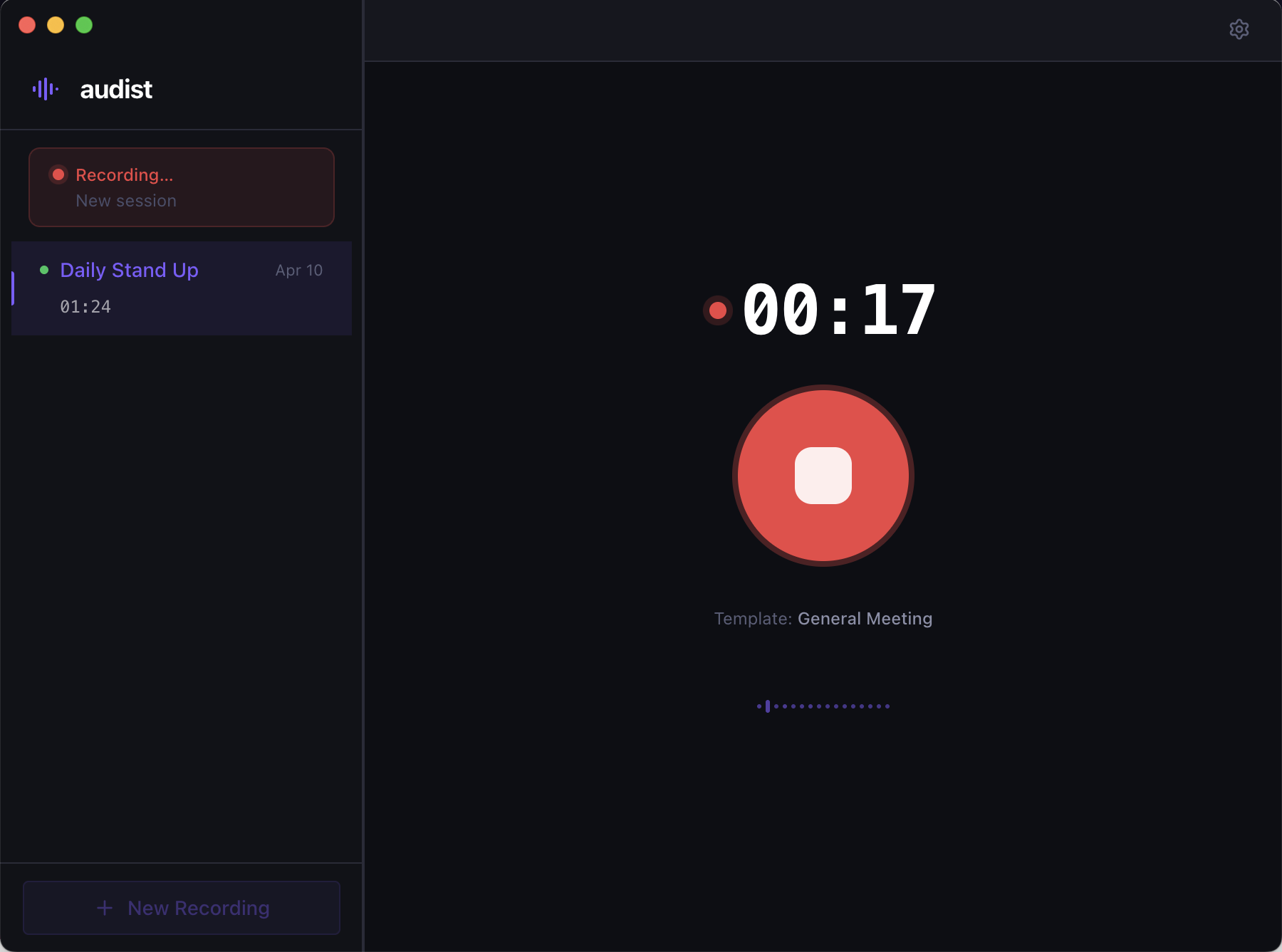
A deliberate full-screen recording surface with a live waveform, elapsed timer, and one obvious action.
Review
Browse recordings, rename sessions, and inspect transcript and summary output without leaving the app shell.
Output
Audist generates summaries in Markdown, which makes the output easy to reuse across common note-taking workflows instead of locking it into a custom format.
Storage
You can choose the save directory, so session notes can drop straight into an Obsidian vault or any folder-based knowledge system without an extra export step.
Privacy
Audist uses whisper.cpp locally for transcription, so raw meeting audio never has to be uploaded just to get a transcript. If you use a remote model for summaries, that choice stays explicit and configurable.
Ready to try it